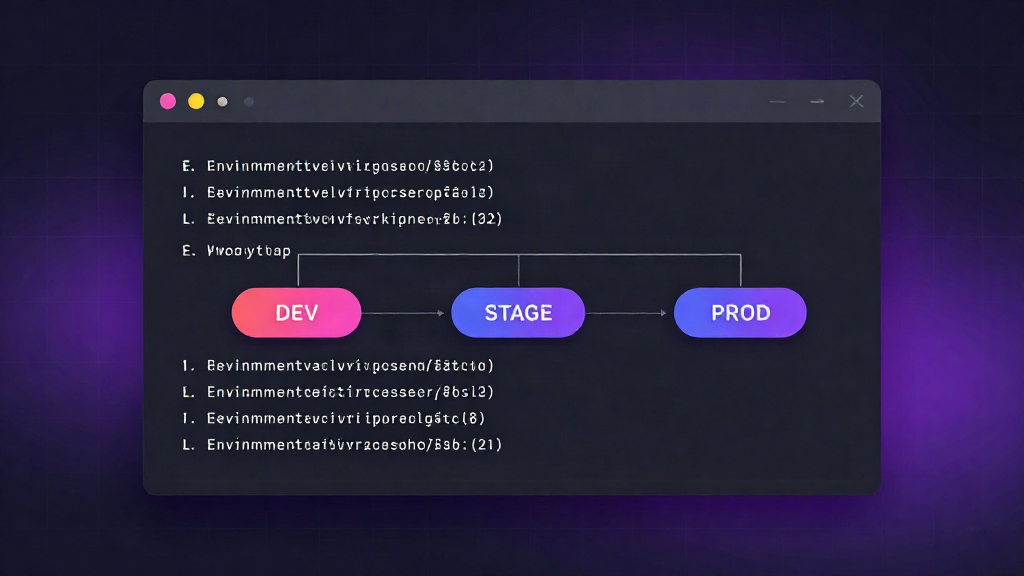
Every project starts the same way. One .env file, a handful of keys, and a single developer who knows exactly what is in it. That works fine until the second environment appears. Then a second developer. Then a staging deploy that silently reads production credentials because someone copied the wrong file. Learning how to manage environment variables across environments is less about tooling and more about removing the moments where a secret can drift, leak, or get committed by accident.
This guide walks through a practical, terminal-first workflow for keeping configuration consistent across dev, staging, and production without ever putting sensitive values in version control.
Why scattered .env files break down
The failure mode is predictable. Configuration lives in copies: .env.local on your laptop, a .env.staging on the staging box, a set of values pasted into a chat thread so a teammate can get unblocked. Each copy is a fork of the truth.
Three things go wrong as the project grows:
- Drift. A key is added in staging but never added to production. The app boots, then fails at the first request that touches the missing value.
- Exposure. Secrets get shared through channels that were never built to hold them - chat, email, screenshots, ticket comments. Once a value is in a thread, you cannot take it back.
- No accounting. When someone leaves the team, you have no reliable list of which credentials they can still read.
The fix is not discipline alone. It is a single source of truth that makes the safe path the easy one.
The three requirements of a workable setup
Any approach that holds up under real team pressure needs to satisfy three things at once:
- Encrypted at rest. Secrets should be stored encrypted, not sitting in plaintext files on a shared drive.
- Role-based access. Access should be granted by role and scope, so a contractor working on the frontend is not reading production database credentials.
- Ready-to-use exports. Developers should be able to pull exactly the
.envfile they need for their environment in one command, without hand-copying values.
If a workflow misses any of the three, teams quietly fall back to the habits that caused the problem in the first place.
A step-by-step workflow
The following workflow uses a centralized secrets manager that stores configuration per project and environment, with a dashboard and a CLI that stay in sync. The exact tool matters less than the shape of the process.
1. Create a project and define its environments
Start by treating the project as the container and environments as named scopes inside it. Create the project once, then add development, staging, and production as distinct environments.
This is the structural decision that prevents most drift. A key belongs to the project; its value belongs to an environment. When someone asks "what does DATABASE_URL point to in staging," there is exactly one place to look.
2. Store values per environment, encrypted
Add keys at the environment level so each environment holds its own value:
developmentpoints at a local or throwaway database.stagingpoints at a staging replica.productionpoints at the live database.
Values are encrypted at rest, so even a full backup of the store does not hand over plaintext secrets. Keep key names identical across environments - DATABASE_URL, STRIPE_SECRET_KEY, REDIS_URL - and let only the values differ. Consistent key names are what let a single deployment pipeline work against any environment.
3. Share access by role, not by copy
Instead of sending values to teammates, grant them access to the environment they need. Most teams land on a small set of roles:
- Admin - manage keys and members across all environments.
- Developer - read and write in
developmentandstaging, read-only inproduction. - Read-only - pull values where needed, change nothing.
When someone joins, you add them to a role. When someone leaves, you remove one membership and every environment they could reach is closed at once. No hunting through chat history for what you shared and where.
4. Pull and export .env files from the CLI
This is where the workflow pays off day to day. From the project directory, authenticate the CLI once, then pull the environment you are working in:
envly pull --env development
envly pull --env staging
envly export --env production --output .env.production
The CLI writes a standard .env file that your app already knows how to read, so nothing in your application code changes. You get the right values for the right environment without copying anything by hand, and you never need production secrets on a laptop that is not cleared to hold them.
The same operations are available from the dashboard if you prefer a visual list of keys and their environments.
5. Keep secrets out of version control
Two habits make the export workflow safe:
- Gitignore every generated file. Add
.env*to.gitignorebefore the first pull, and commit a.env.examplethat lists only the key names - never values - so new contributors know what to populate. - Rotate on exposure. If a value ever lands somewhere it should not - a commit, a log, a screenshot - rotate it. Assume it is compromised, issue a new value in the store, and let the export workflow distribute the replacement.
Because the source of truth is the store and not the file, rotating is a single edit. Every developer who pulls afterward gets the new value automatically.
Making the safe path the default
The goal is not to add process. It is to make the correct behavior the path of least resistance. When configuration lives in one place, encrypted, scoped by role, and pulled on demand, developers stop juggling .env copies and start shipping without worrying about what leaked where.
Start small: centralize one project, define your three environments, and move the next key you would have shared in chat into the store instead. The workflow scales from a solo builder to a full team without changing shape - which is exactly what you want from the system your secrets live in.